//How to run applications with command line arguments in c #includevoid main() { system("C:\\Windows\\System32\\mspaint.exe \"C:\\Users\\Shareef\\Desktop\\flower.jpg\""); }
Showing posts with label application. Show all posts
Showing posts with label application. Show all posts
C Program to Launch or Execute an Application With Command Line Parameters
In this post, we will see how to run an executable with command line arguments. This will tell you how to execute any application with command-line arguments using c code. The following c program will open paint with a command-line argument. mspaint command open paint. Or you can use "C:\\Windows\\System 32\\mspaint.exe". The exepected command-line argument to paint is the path to an image file. Then the paint application opene that file as image if possible.


C and C++ Compiler For Android Smartphones
In this post i'm listing some C Program compilers for Android phones or tabs. It will be very handy if you have one in your phone if you are a programming student. You don't need to have a laptop or a Personal computer with you.
It is a powerful offline C/C++ IDE + C/C++ compiler for Android operating System. I have been using it for 1 year. You do not need to root your phone to use this app. Its features are as listed below:
Playstore link to the Application
Features:
Find it in Google playstore
C4Droid
It is a powerful offline C/C++ IDE + C/C++ compiler for Android operating System. I have been using it for 1 year. You do not need to root your phone to use this app. Its features are as listed below:
- Syntax highlighting
- Multiple tabs
- code complete
- Auto formating
- Options to export the program as apk or other Executables
- Full ANSI C and ISO C99 support with TCC (Tiny C Compiler) + uClibc
- Customizable Graphical User Interface with themes
- C++ support with GCC+
- Debugger with breakpoints and watches
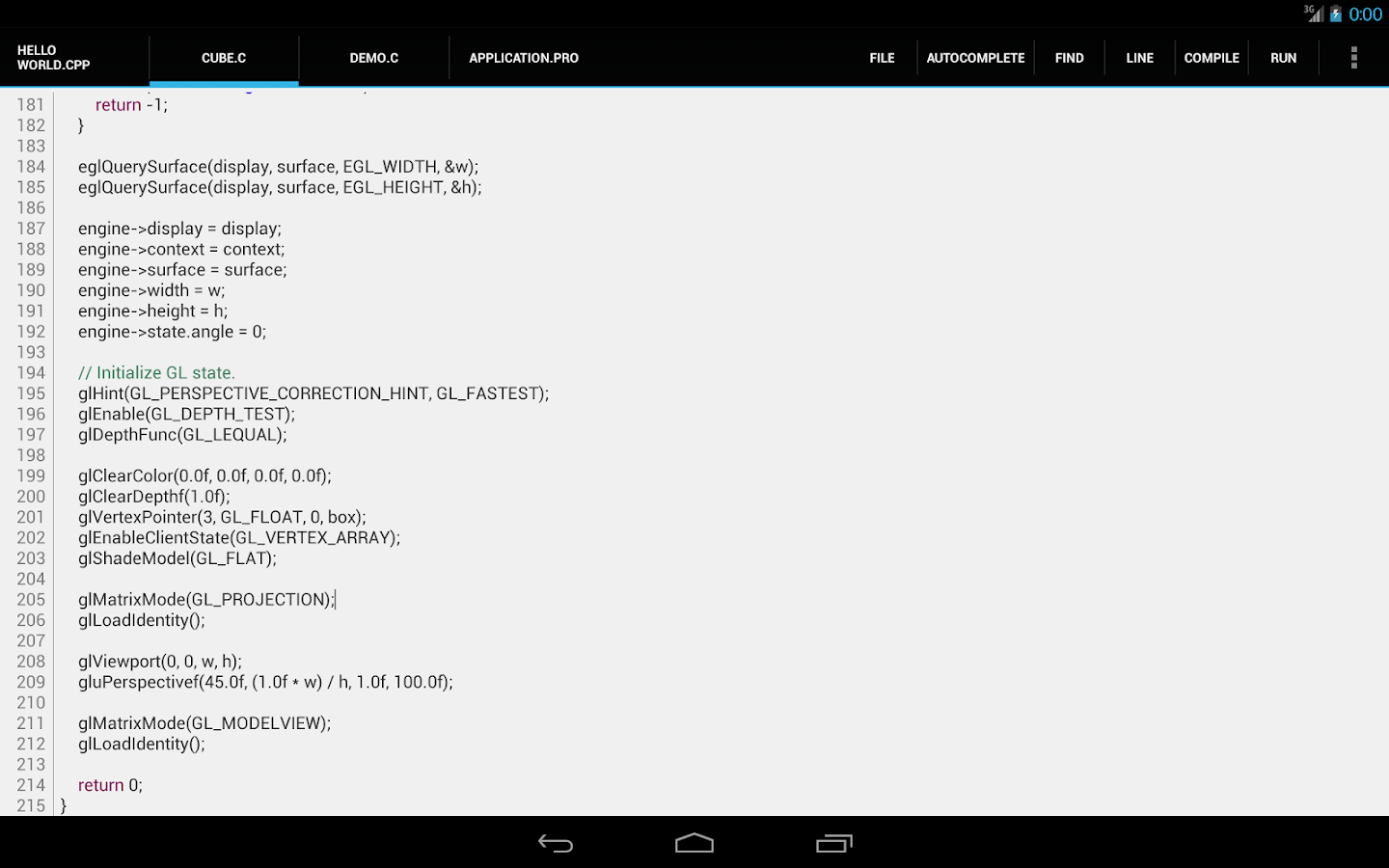 |
| C4Droid screen shot |
Playstore link to the Application
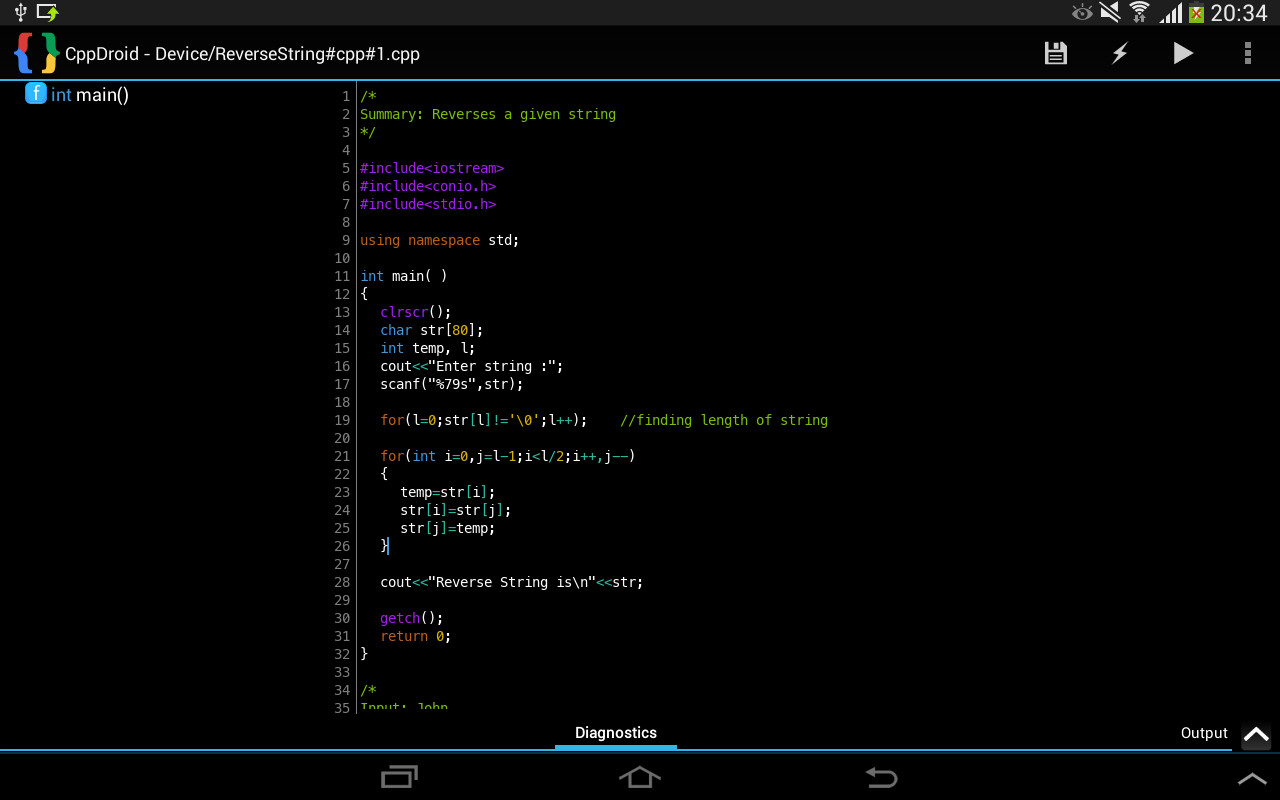
CppDroid - C/C++ IDE
This is another offline compiler but it is freeware app. Rooting is not required. You don't have to pay for it. It is designed for educational purposes as the developer says, "CppDroid is simple C/C++ IDE focused on learning programming languages and libraries".Features:
- real-time diagnostics (warnings and errors) and fixes
- syntax highlighting
- portrait or landscape UI
- C/C++ code examples and guides
- GUI customisation with themes
C Compiler
A very simple and basic C compiler for Android phones. Not many features.Find it in Google playstore
Subscribe to:
Posts (Atom)